01
The explanation you repeat
The thing you say in every first phone call, recorded once and put on the page where people are already deciding.
Brand Avatar Starter Pack
Start with one approved photo, yours or a presenter designed for the brand, and get back a full system: reusable stills, talking clips, and a consistent face that holds together across your site, social, and customer messages.
$1,500

A Brand Avatar Starter Pack starts with one approved reference photo, real or designed, then keeps that identity consistent across a full set of images and video, so the same presenter shows up correctly whether they are standing in an office, out on a job, or talking straight to camera.
It does not decide what gets said. It removes the part where a new piece of content means finding a day, a room, decent light, and a take you do not hate.
It does not have to be you. It can be whoever on your team is comfortable on camera, a presenter designed for the brand who was never filmed at all, or you if you would rather it be your own face. What it cannot be is someone who has not agreed to it in writing.
Demonstration
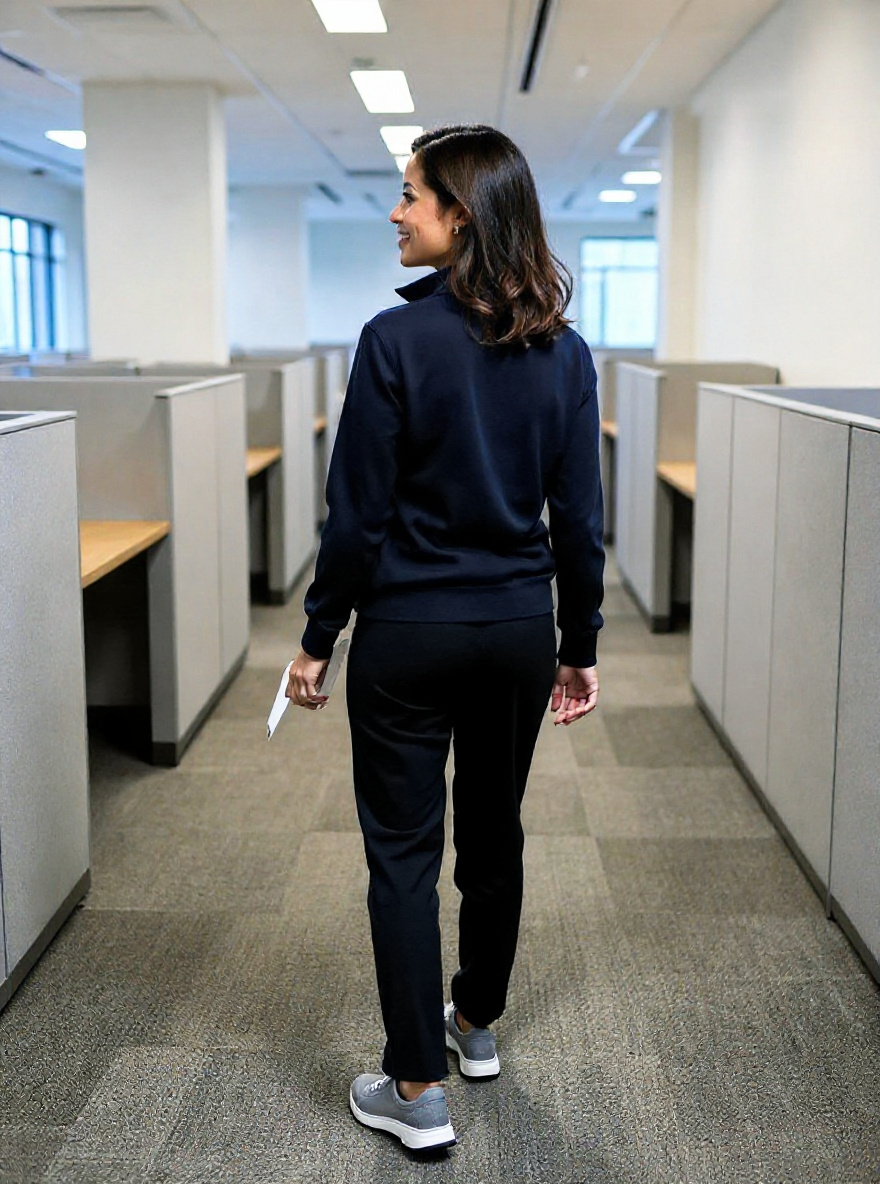
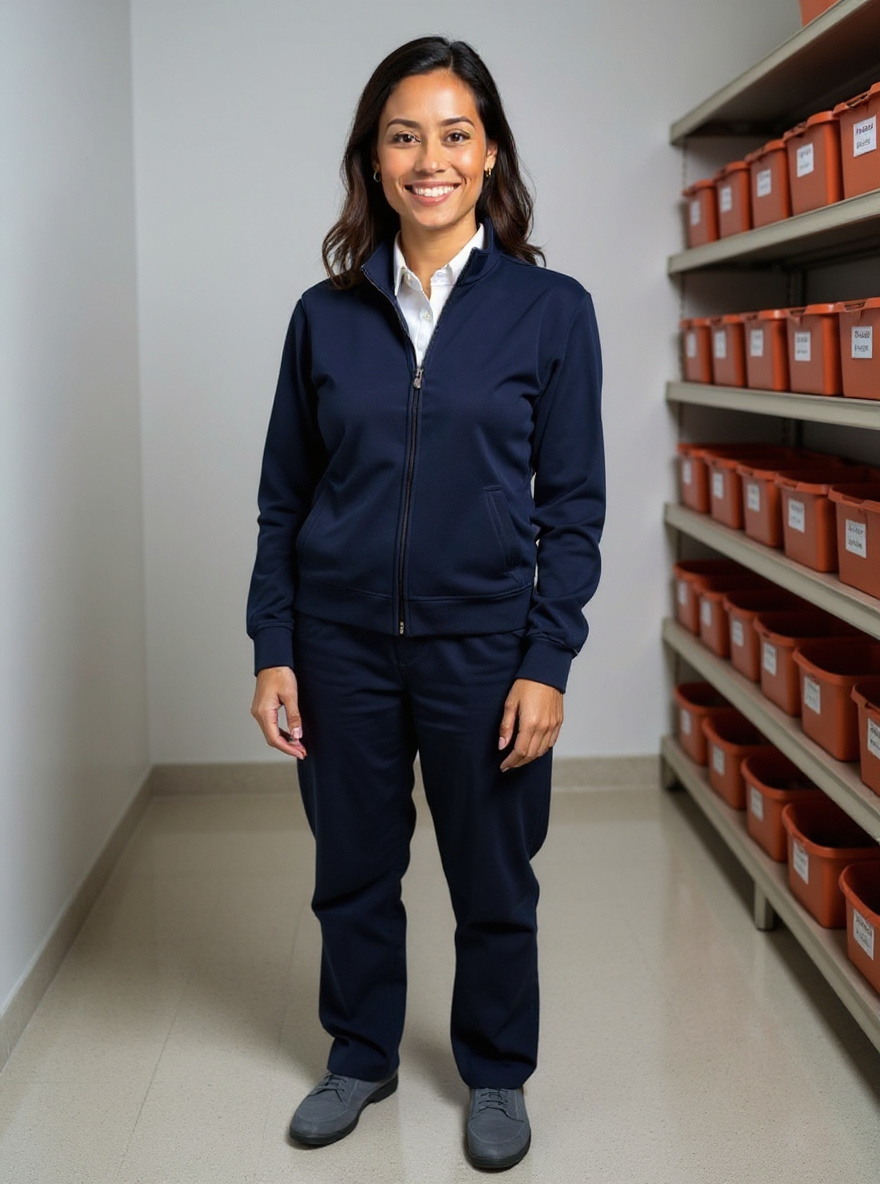
Built end to end as a working reference: one consistent presenter, twelve reusable stills, two talking clips, and one motion clip, all from a single approved photo. Every asset below is real, built for Elena Cruz, the sample persona, from the single reference photo above.
01 · Character Sheet
Before anything speaks or moves, the presenter has to hold together as one consistent person. This is the angle sheet that gets approved first, since everything downstream locks to it.




02 · Talking Clips
HeyGen produces these, because this is the one place lip sync has to hold up. Two clips are included; more can be added later against the same approved reference.
03 · Moving Video
A separate pipeline handles everyday scenes, because scene variety and consistency matter more than speech here. These loop silently; nothing is stock footage.
04 · Everyday Stills
Eight of the twelve included stills, shown here to demonstrate range: studio, office, on the job, and product-explainer shots, all the same presenter.






Where It Gets Used
01
The thing you say in every first phone call, recorded once and put on the page where people are already deciding.
02
Short, useful videos published on a schedule you can actually hold.
03
A short clip telling the customer what to bring and what will happen, so the visit starts further along.
04
The same welcome, delivered identically to everyone, including the ones who arrive next quarter.
05
The annual reminder, the weather notice, the holiday hours. Written once and reissued.
What You Get
For a business that needs one consistent face on camera, built once from a photo, then reused on your site, social, and customer messages.
Included
What you provide
What is not included
Typical timeline
What moves the price up
Third-party costs
The presenter and its assets live in an account in your name. That subscription is billed to you directly, not through me, and I will tell you what it costs before you commit.
No hourly rate, on this or anything else. Every project is quoted at a fixed price before work begins.
Prices are fixed as shown. Platform subscriptions and any usage beyond what a plan includes are identified separately and stay in your name.
How It Runs
01
Find the right use case
We name the repeated communication problem worth solving first.
02
Design the experience
Who appears, what the video has to accomplish, where it is used, and what needs a person to approve it.
03
Build and test
Presenter, voice, content process, integrations, and review steps, tested end to end on your own material.
04
Launch and hand off
You get the working implementation, the documentation, and the training to run it.
You own the approved project assets, documentation, prompts, and custom configuration created for the engagement, subject to the licenses of the platforms used.
Questions
Built onHeyGen · ElevenLabs
Ready When You Are
$1,500, fixed, paid once. Want to be filmed yourself, or need extra looks or a second language? Email dave@daverosemill.com before you buy.